
Sage 100 to NetSuite Data Migration
Outgrowing Sage 100? Mine automates the mapping between Sage's on-premise Pervasive/SQL database and NetSuite's cloud ERP — restructuring charts of accounts, customer records, and inventory data for NetSuite's dimensional model.
Working with enterprise teams on active migration programs
3–5 weeks
to production-ready mappings
40–50%
cost reduction vs. manual migration
90%+
average mapping confidence
Most enterprise migrations start 6+ months behind schedule. Yours doesn't have to.
This guide is for VPs of IT, data architects, and migration leads at companies moving data from Sage 100 to NetSuite — whether you're scoping, planning, or mid-program.
Sage 100 stores data in a Pervasive PSQL or SQL Server database with module-specific table structures (AR_Customer, AP_Vendor, CI_Item, GL_Account), while NetSuite uses a modern cloud entity model organized by subsidiary with dimensional accounting. Mine maps Sage 100's module-based tables to NetSuite's unified entity structure automatically.
Based on enterprise migration programs led by Mine's founding team
Last updated March 2026
How Mine automates your Sage 100 to NetSuite migration
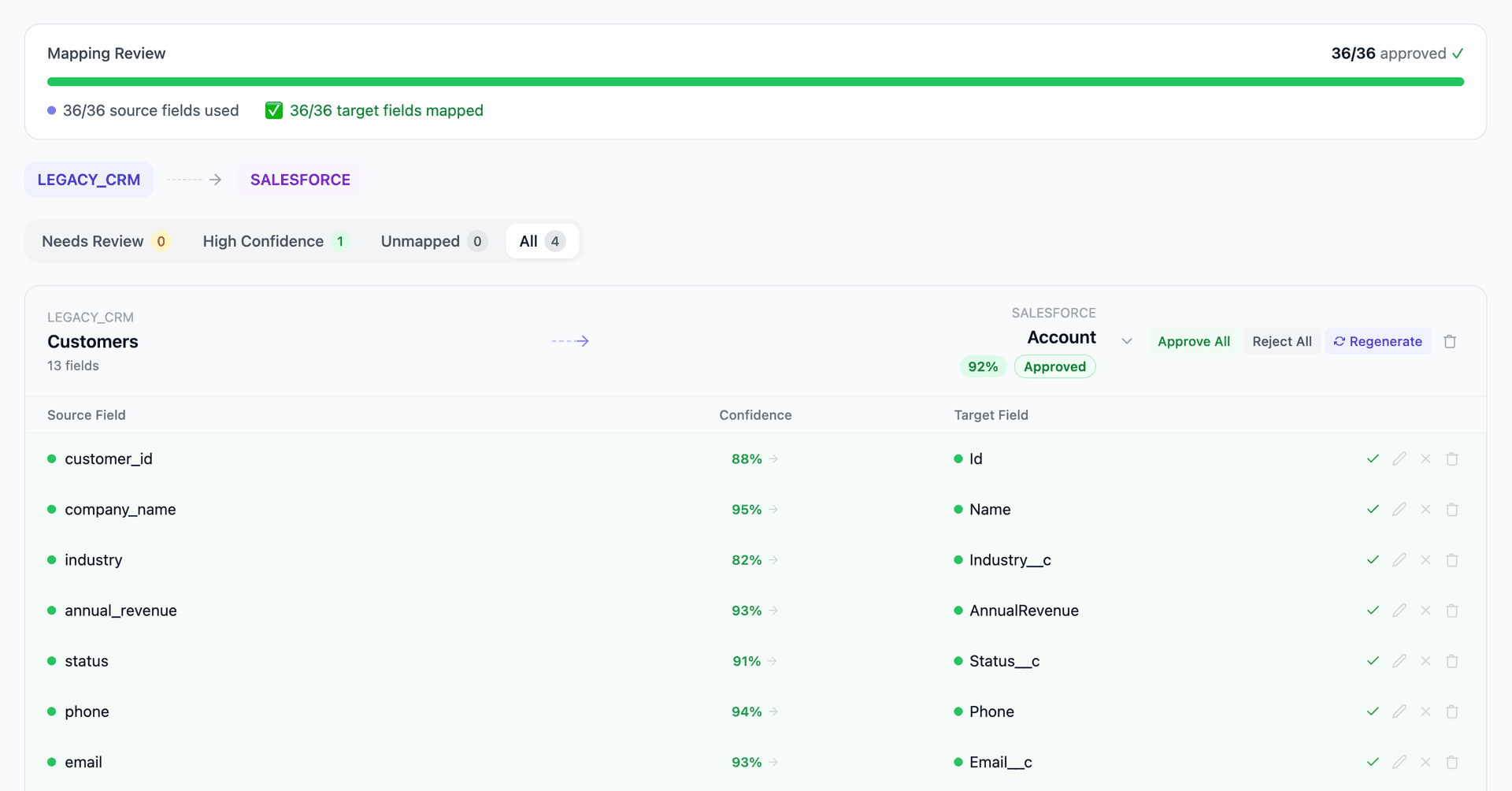
Mine profiles Sage 100's chart of accounts and proposes the NetSuite dimensional decomposition — splitting embedded segments into accounts, departments, classes, and locations based on actual GL posting patterns.
Multiple Sage 100 extraction formats are supported — direct SQL Server queries, Pervasive ODBC connections, and CSV exports. Mine profiles whichever format you provide.
Inventory items are mapped with valuation method validation — ensuring Sage's costing method aligns with NetSuite's inventory valuation settings. Lot and serial data structures are translated.
Mine validates opening balances after migration — ensuring the trial balance in NetSuite matches Sage 100 as of cutover date.
Get your Sage 100 to NetSuite mapping analysis — see results in under an hour
Migration timeline: manual vs. Mine
Traditional approach
Timeline
3–6 months
Estimated cost
$100K–400K
Team size
2–4 consultants
Typically requires
×Manual field mapping in spreadsheets
×Custom ABAP/SQL extraction scripts
×3–5 mock migration cycles
×Dedicated source system consultants
×Manual reconciliation testing
With Mine
Enterprise benchmarksTimeline
3–5 weeks
Team size
1–2 internal resources
Estimated cost
40–50% less
Included
✓Schema profiling & analysis
✓AI-generated field mappings
✓Transformation SQL
✓Validation & readiness reports
✓Production-ready load files
Common challenges migrating from Sage 100 to NetSuite
Flat chart of accounts to NetSuite dimensions
Sage 100 uses a flat or minimally segmented chart of accounts. NetSuite uses a multi-dimensional structure with subsidiaries, departments, classes, and locations. Decomposing Sage's embedded segments (often department or division codes within account numbers) into NetSuite dimensions requires pattern analysis.
Explore related migrations →Sage database extraction
Sage 100 uses Pervasive PSQL (older versions) or Microsoft SQL Server. Pervasive databases require specific drivers for extraction. The table naming conventions (AR_Customer, AP_Vendor, CI_Item) are more intuitive than JDE or GP but field-level documentation is limited.
Explore related migrations →Inventory valuation and lot/serial tracking
Sage 100's inventory module uses valuation methods (FIFO, LIFO, Average) and lot/serial tracking that must map to NetSuite's inventory management. The valuation method must match or be converted, and lot/serial data structures differ between the platforms.
Explore related migrations →Sales order and PO processing differences
Sage 100's sales order and purchase order workflows use different status models and document flow than NetSuite. Open documents must be migrated with correct statuses. Sage's BOMs (Bills of Materials) map to NetSuite's assembly items with different structures.
Explore related migrations →Sage 100 to NetSuite field mapping — what data moves
10 data objects typically migrated
| Source Object | → | Target Object |
|---|---|---|
| AR_Customer | → | Customer |
| AP_Vendor | → | Vendor |
| GL_Account | → | Account + Dimensions |
| GL_DetailPosting | → | Journal Entry |
| CI_Item | → | Item |
| SO_SalesOrderHeader/Detail | → | Sales Order |
| PO_PurchaseOrderHeader/Detail | → | Purchase Order |
| AR_OpenInvoice | → | Invoice |
| AP_OpenInvoice | → | Vendor Bill |
| BM_BillHeader/Detail | → | Assembly Item / BOM |
Typical enterprise migrations include 500K–10M+ records across these objects. Mine handles profiling and mapping at any scale.
The cost of manual Sage 100 to NetSuite migration
Companies typically manage this during a NetSuite implementation using CSV exports from Sage 100's database. The chart of accounts restructuring and transaction history migration are the most manual parts.
Frequently asked questions
Related migration paths
In one enterprise migration, a single field mapping error in customer master data caused $100K in billing discrepancies that went undetected for 6 months.
Mine catches these issues before they reach production.
Built by a team that led SAP, Oracle, and Salesforce data migration programs for Fortune 500 companies at a Big 4 consulting firm. Currently in design partnership with enterprise clients running active migration programs.
Ready to migrate from Sage 100 to NetSuite?
Tell us about your migration and we'll show you how Mine can help.
No commitment required. We'll review your migration scope and share a preliminary assessment within 48 hours.
You'll receive a preliminary mapping analysis showing how your source objects map to your target schema, with confidence scores and flagged risk areas.